
BEHIND THE FINISH
A hands-on
kind of studio.
The photographs below show real equipment and work in progress from our studio. Some backgrounds have been simplified to keep the focus on the work.
20 selected studio and process scenes, kept separate from the product gallery. Process and material labels are used only where known.
ONE PROCESS. A CLOSER LOOK.
A resin print, step by step.
9 scenes from our studio workflow.
Choose a step and press play.
Follow the work after printing, from build-platform removal and washing to support cleanup and post-curing. Each clip focuses on one part of the work, recorded in our own studio.
Step 01 Remove prints from the build platform
0:29 · Silent · Normal speedRemoving the build platform from the HeyGears UltraCraft Reflex RS Turbo and releasing the prints into a tray.
Step 02 Remove support structures
0:17 · Silent · Normal speedSeparating support structures from a printed part.
Step 03 Manually wash the prints
0:49 · Silent · Normal speedManually cleaning the printed parts in the washing container before the machine wash.
Step 04 Wash prints in the Creality UW-03
0:25 · Silent · Normal speedLoading the washing container, securing its lid and showing the Creality UW-03 washing process. Repetition and waiting are omitted.
Step 05 Drain and unload the washed prints
0:40 · Silent · Normal speedLifting the washed parts from the Creality UW-03 washing container, allowing them to drain and transferring them to a tray.
Step 06 UV-cure supports in the Creality UW-03
0:51 · Silent · Normal speedPlacing removed support material on the Creality UW-03 curing platform, fitting the UV cover and showing UV curing. Waiting is omitted.
Step 07 Load the HeyGears UltraCraft Cure
1:16 · Silent · Normal speedArranging the washed parts inside the HeyGears UltraCraft Cure curing and baking station, then closing the door.
Step 08 Start the HeyGears UltraCraft Cure
0:24 · Silent · Normal speedOperating the HeyGears UltraCraft Cure controls and showing the curing and baking station running.
Step 09 Unload the post-processed prints
0:29 · Silent · Normal speedCollecting the parts from the HeyGears UltraCraft Cure onto a tray and closing the station door.
Edited into separate steps, with repeated work and waiting omitted. The remaining footage plays at normal speed. Sound is removed for privacy. The sequence documents our workshop, not recommended machine settings or cycle lengths.
A GLIMPSE INSIDE
From the studio, in motion.
All seven studio videos.
Silent copies. Press play to take a closer look.
Colour-changing illuminated panel
0:11 · SilentA finished illuminated panel cycling through coloured light.
Christmas lantern with USB-powered lighting
0:15 · SilentA Christmas lantern with USB-powered lighting, shown from several angles.
Wash and cure workflow
1:39 · SilentA longer look at the washing and curing workflow in the studio.
Inside the resin printer
0:06 · SilentA look inside the resin printer.
Around the resin workbench
0:07 · SilentA closer look around the resin workbench and its equipment.
Resin print reveal
0:14 · SilentResin parts revealed after printing, before the finishing stages.
Washing and printed components
0:17 · SilentWashing equipment and printed components during processing.
Sound has been removed for privacy. Recording starts and ends have been tidied where needed, keeping the main process intact.
THE STUDIO, UP CLOSE
Workspace and work in progress.
Showing 12 of 20 studio scenes.
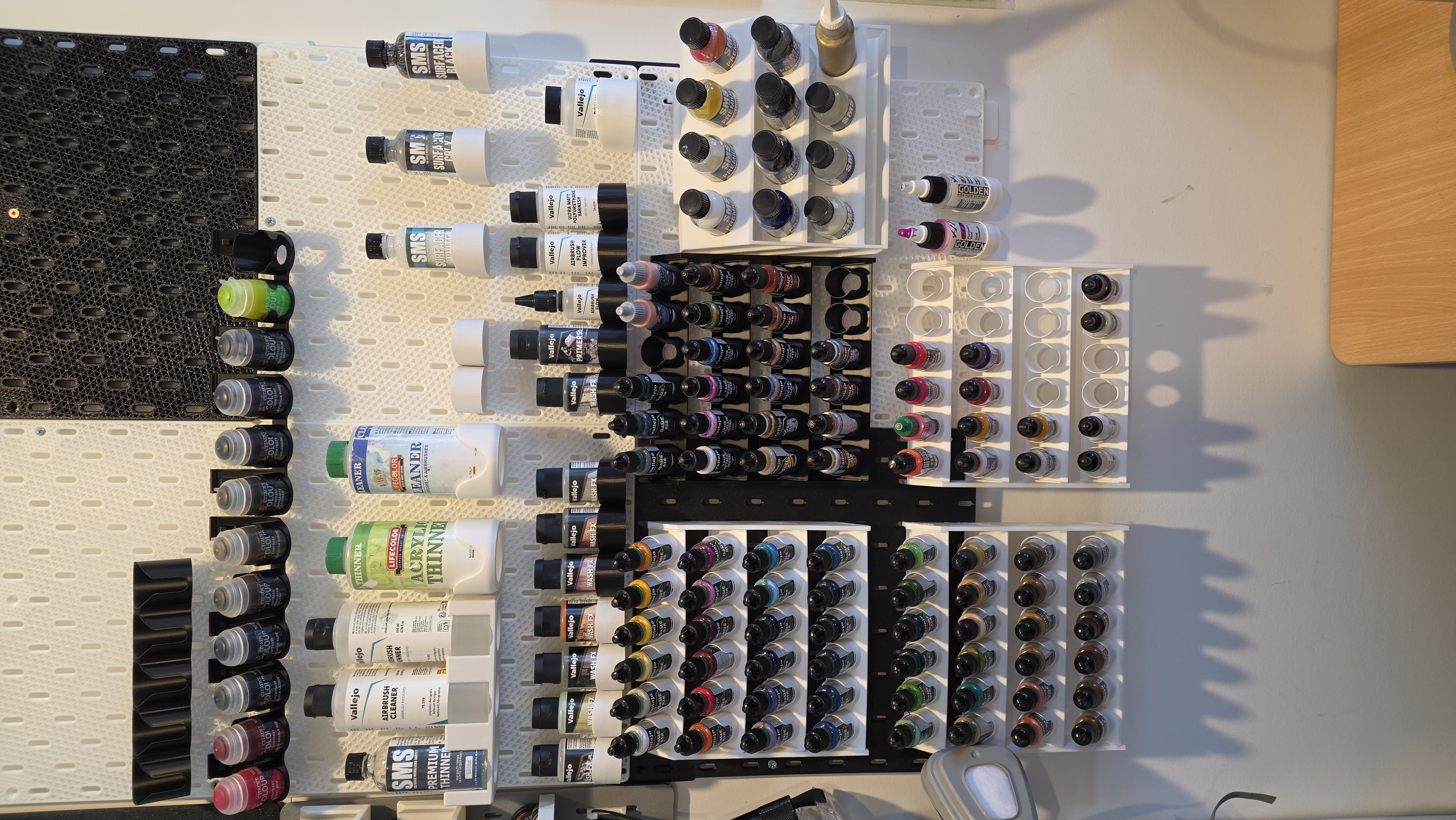
Paint wall · Full resolution: 2252 × 4000 ↗
Paint and tool walls
Our expanded paint collection and preparation supplies, alongside the tool wall used for model-making.
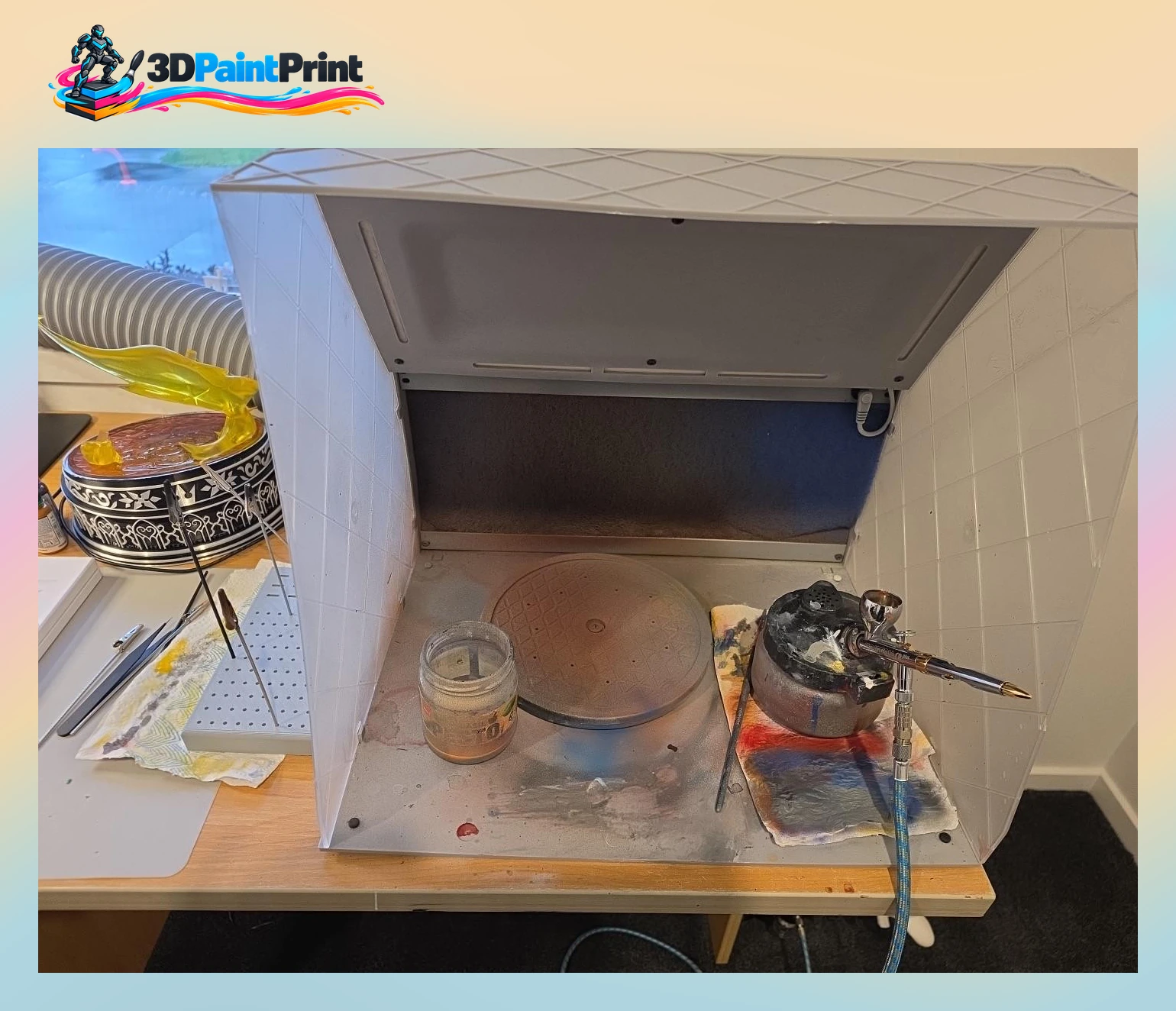
Airbrush workstation
A real view of our studio workspace and equipment.
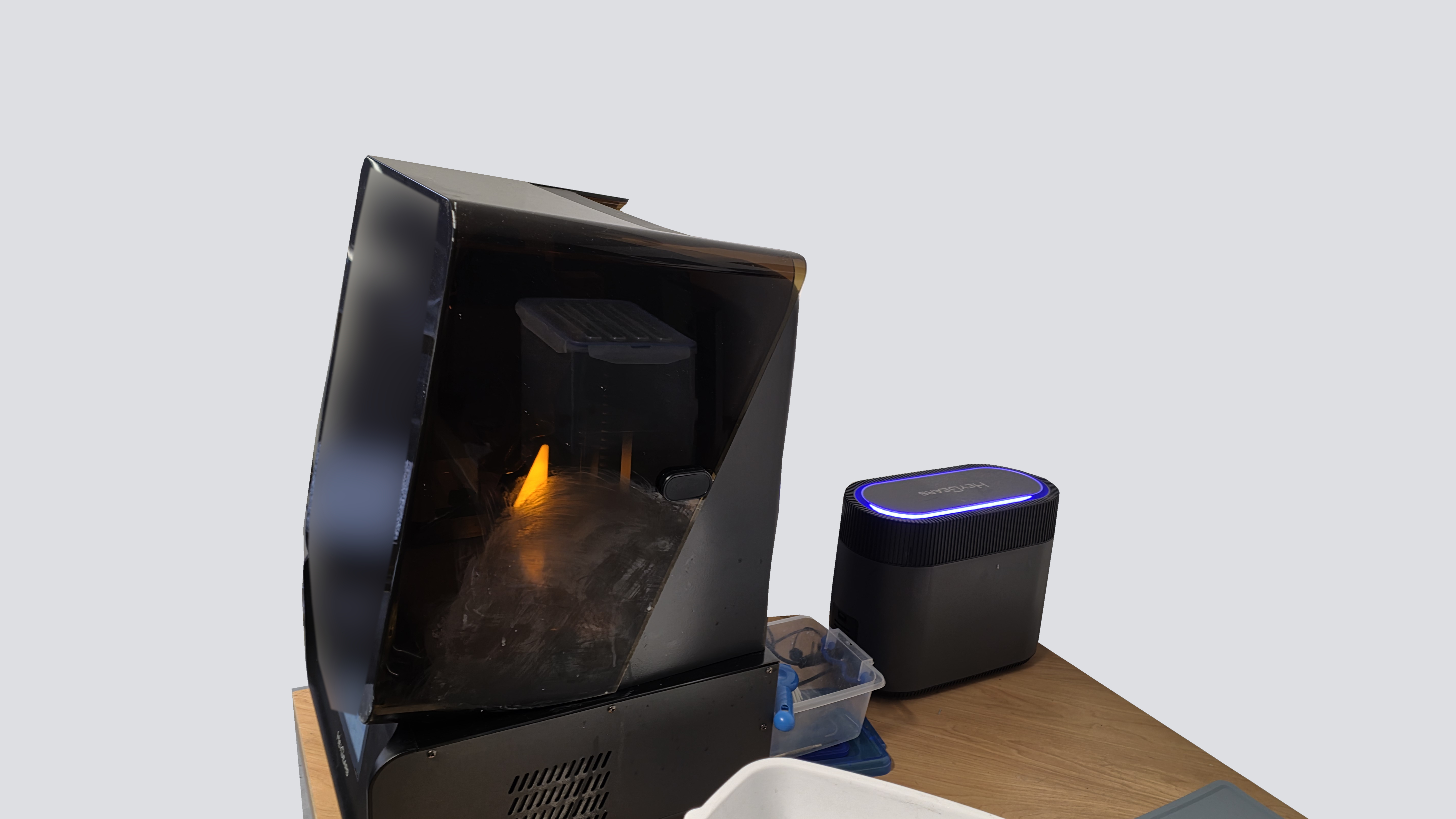
HeyGears UltraCraft Reflex RS Turbo
Our resin printer, with the surrounding background simplified. Original equipment is retained; no equipment has been added.
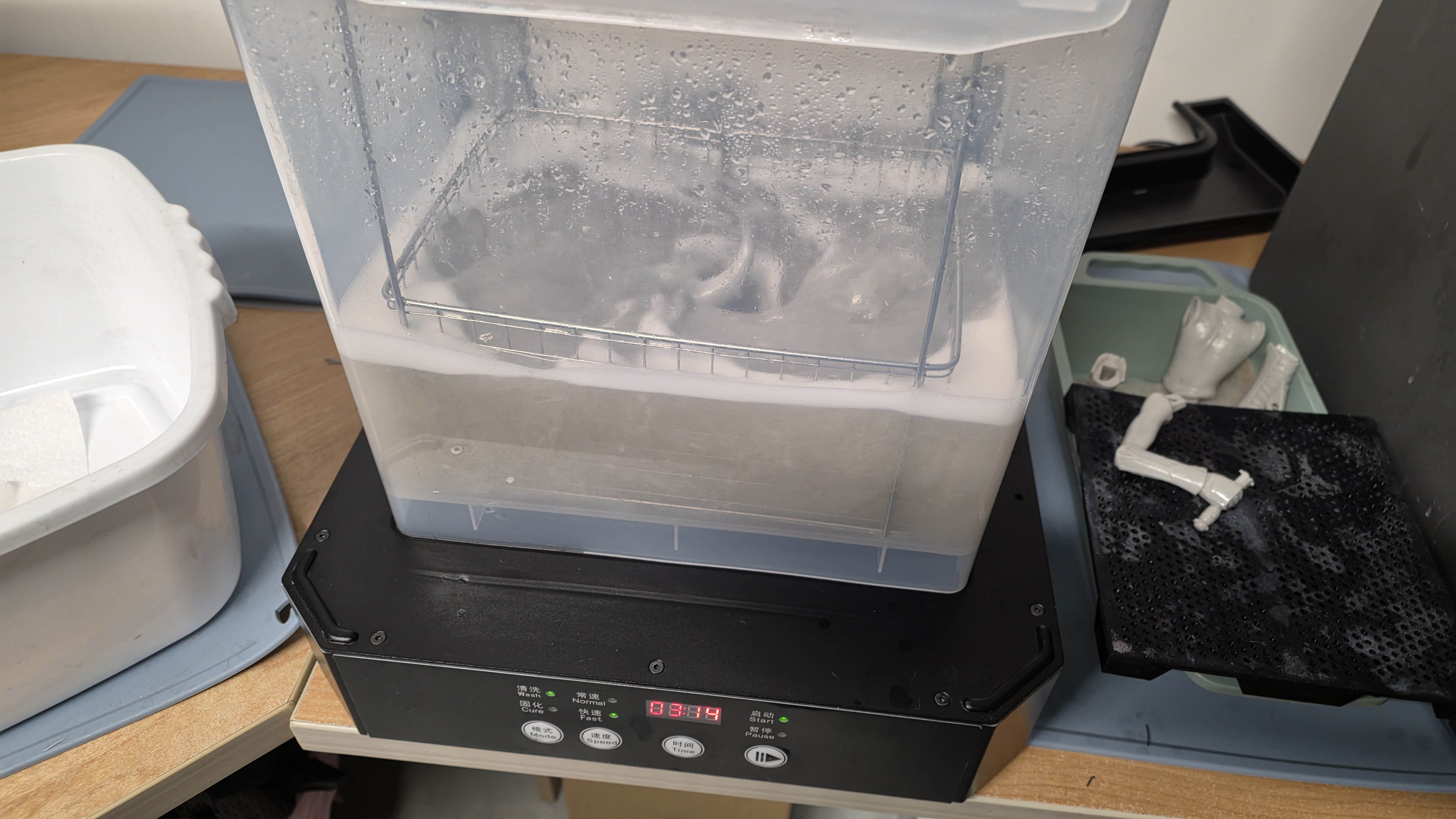
Creality UW-03 Washing/Curing Machine
The Creality UW-03 set up for washing resin prints.
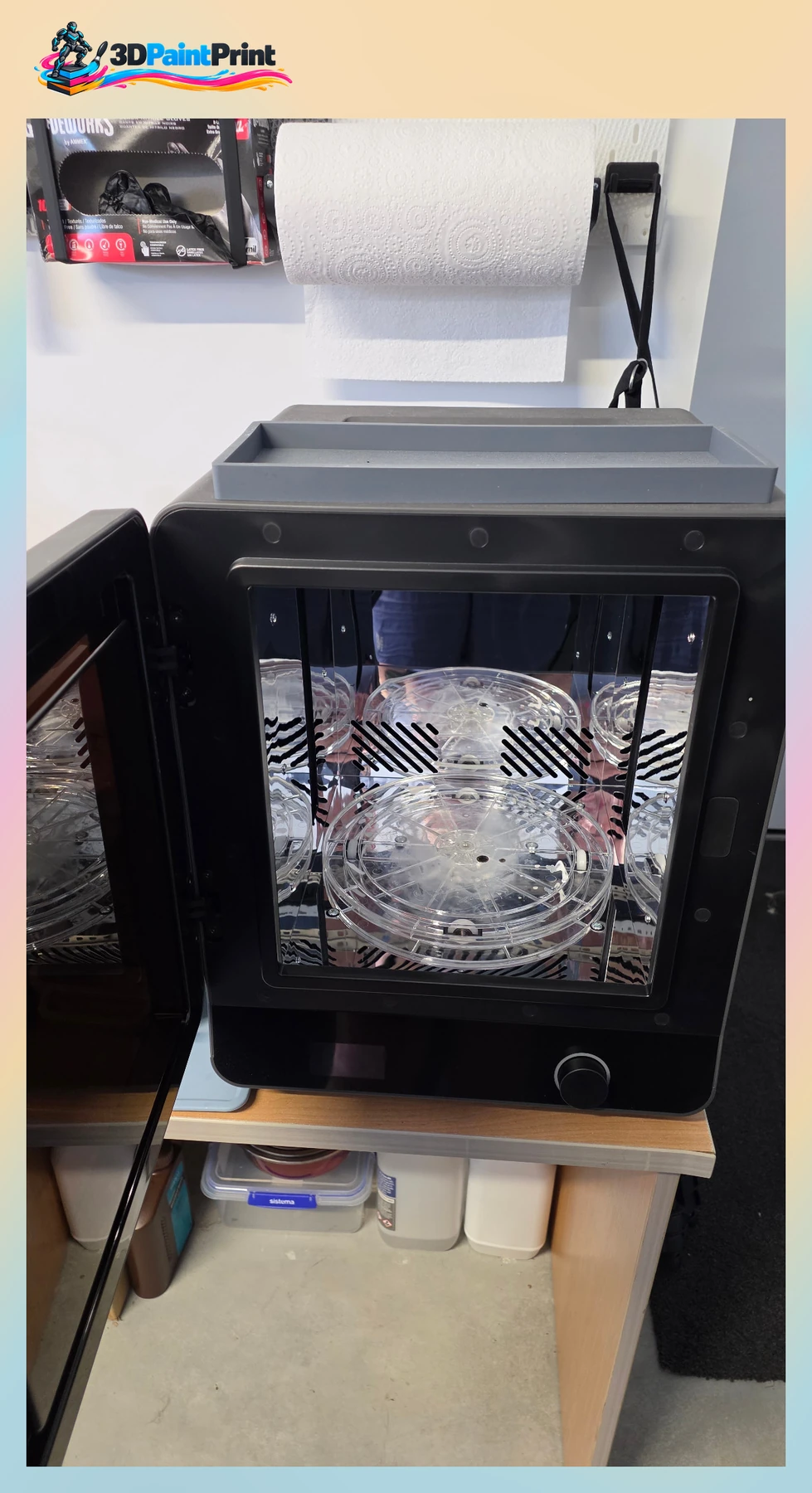
HeyGears UltraCraft Cure
Our curing and baking station for resin post-processing.
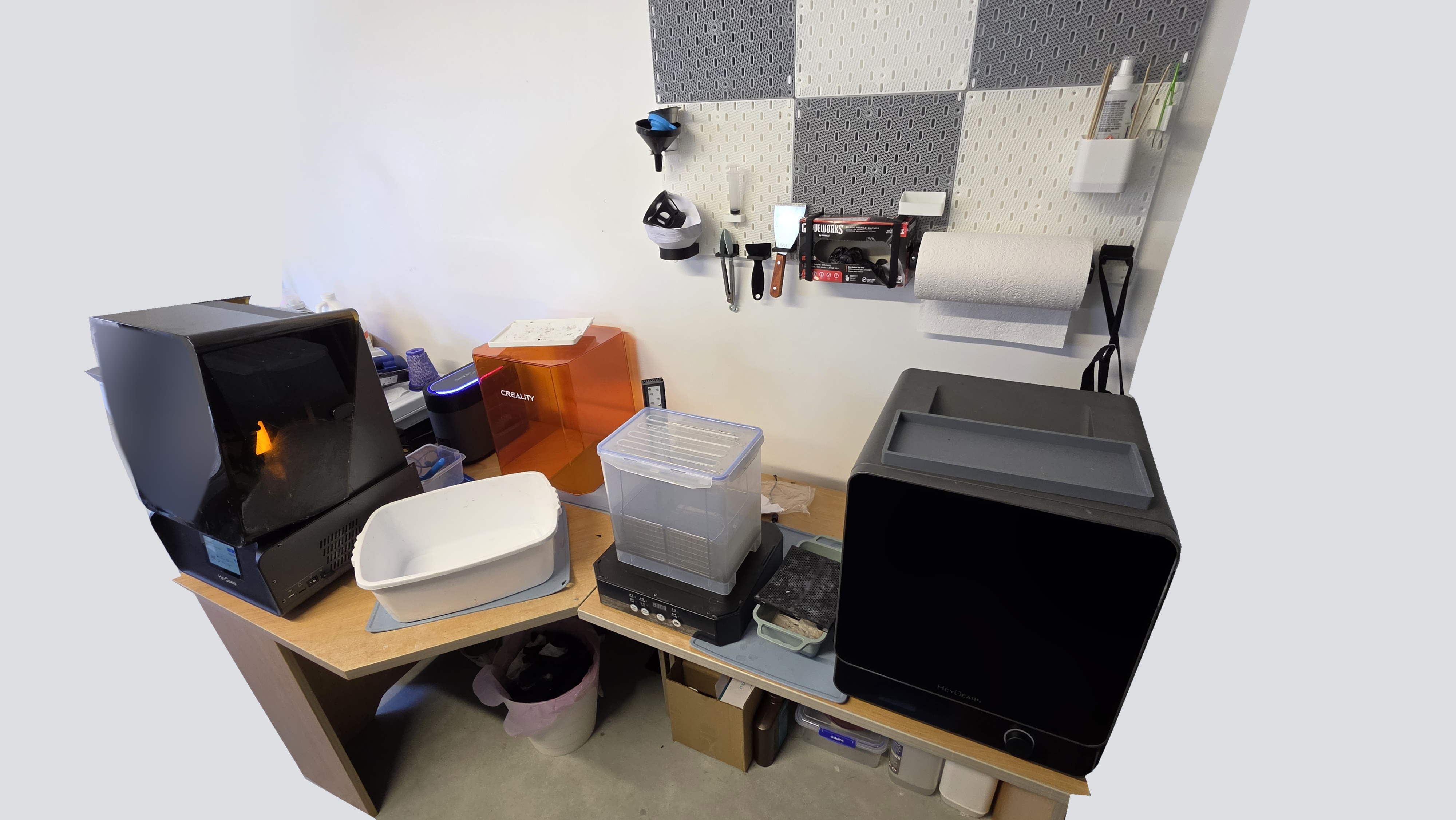
Resin printing and post-processing stations
Our resin printer, washing/curing machine and curing and baking station. The surrounding background is simplified; the real equipment is retained.
Whole station · select the photograph to enlarge
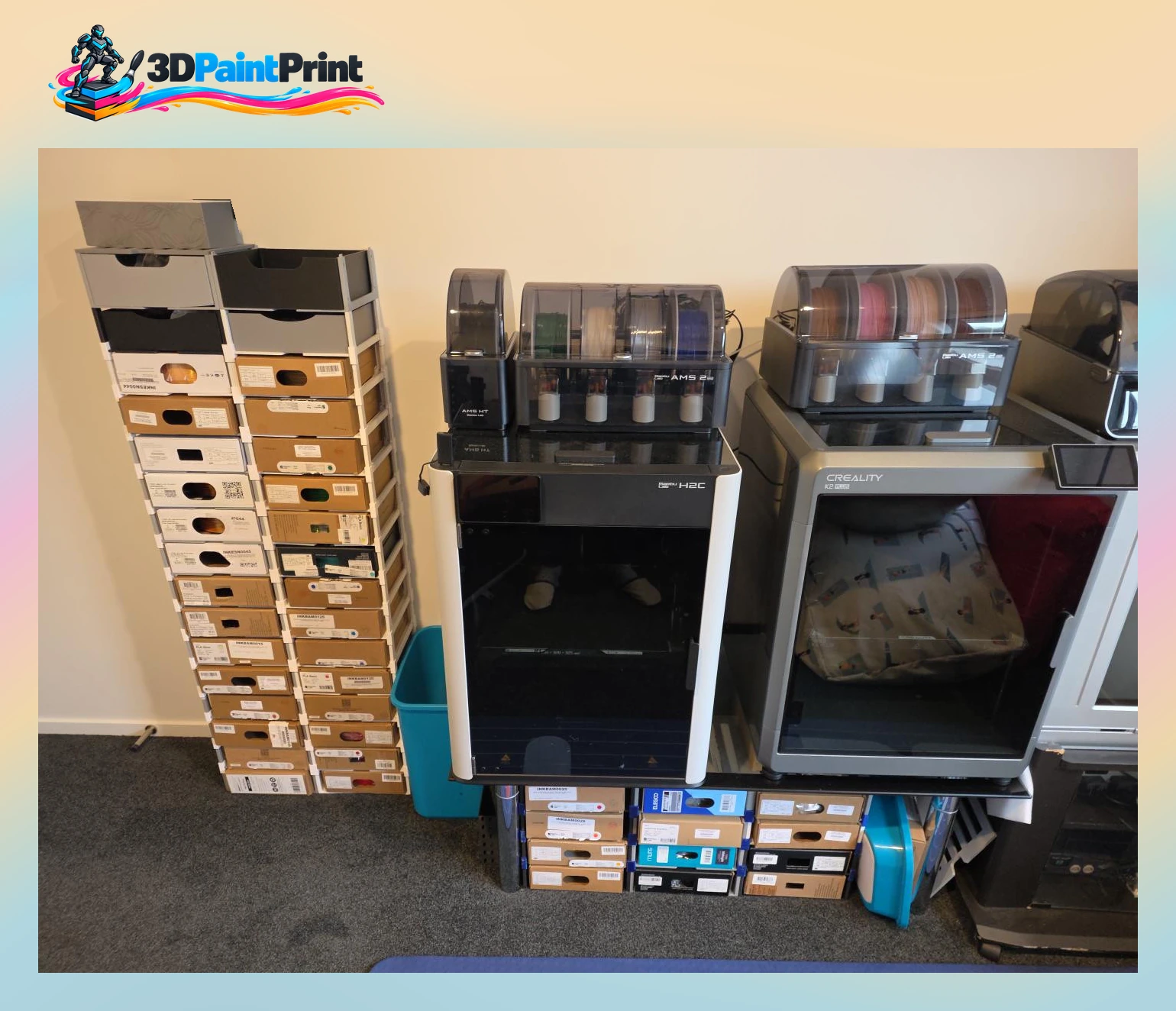
FDM printing station
Actual studio equipment, with the surrounding background simplified. No equipment has been added.
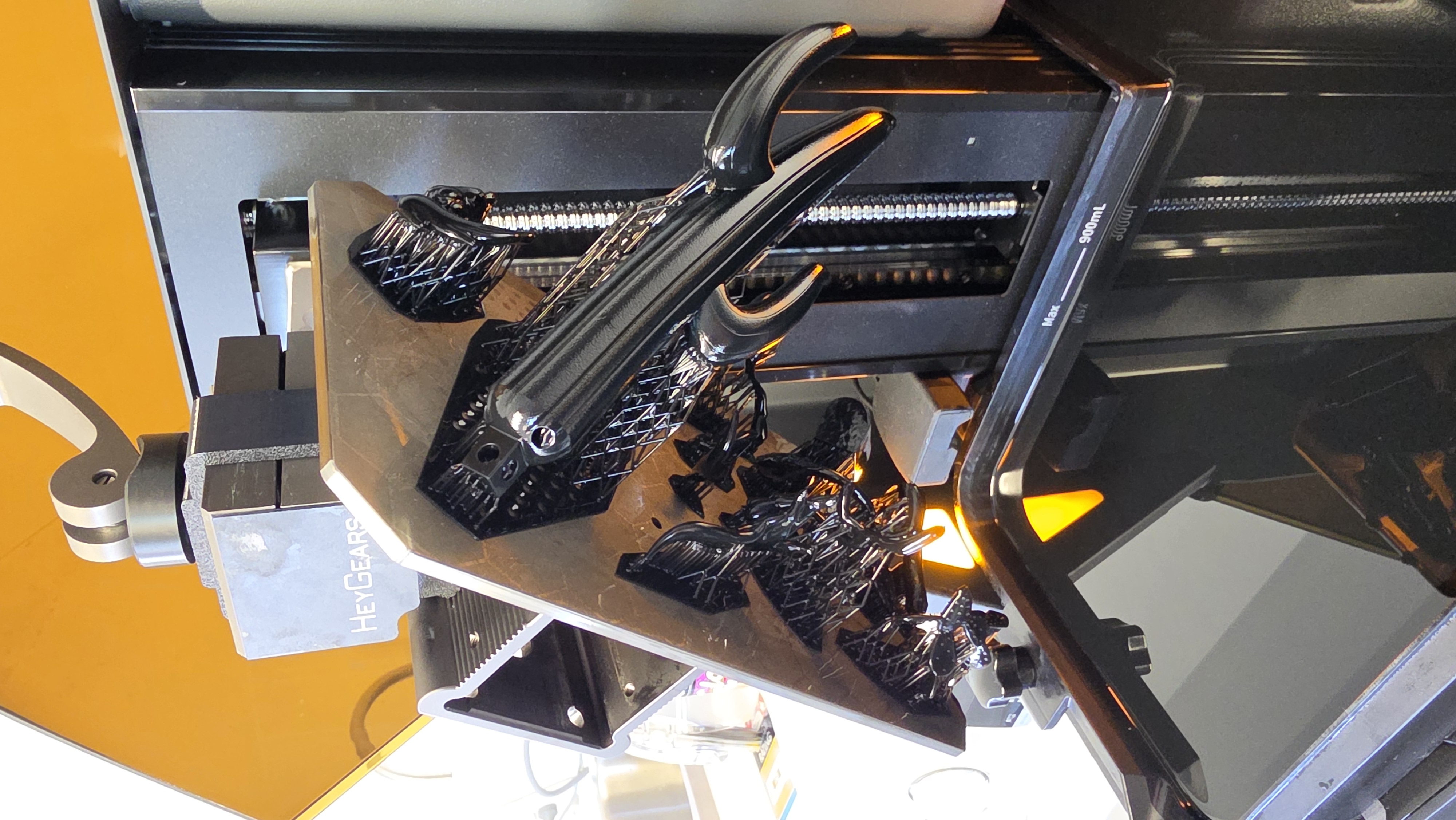
Supported parts on the build platform
A photograph of the hands-on work and details behind a studio piece.
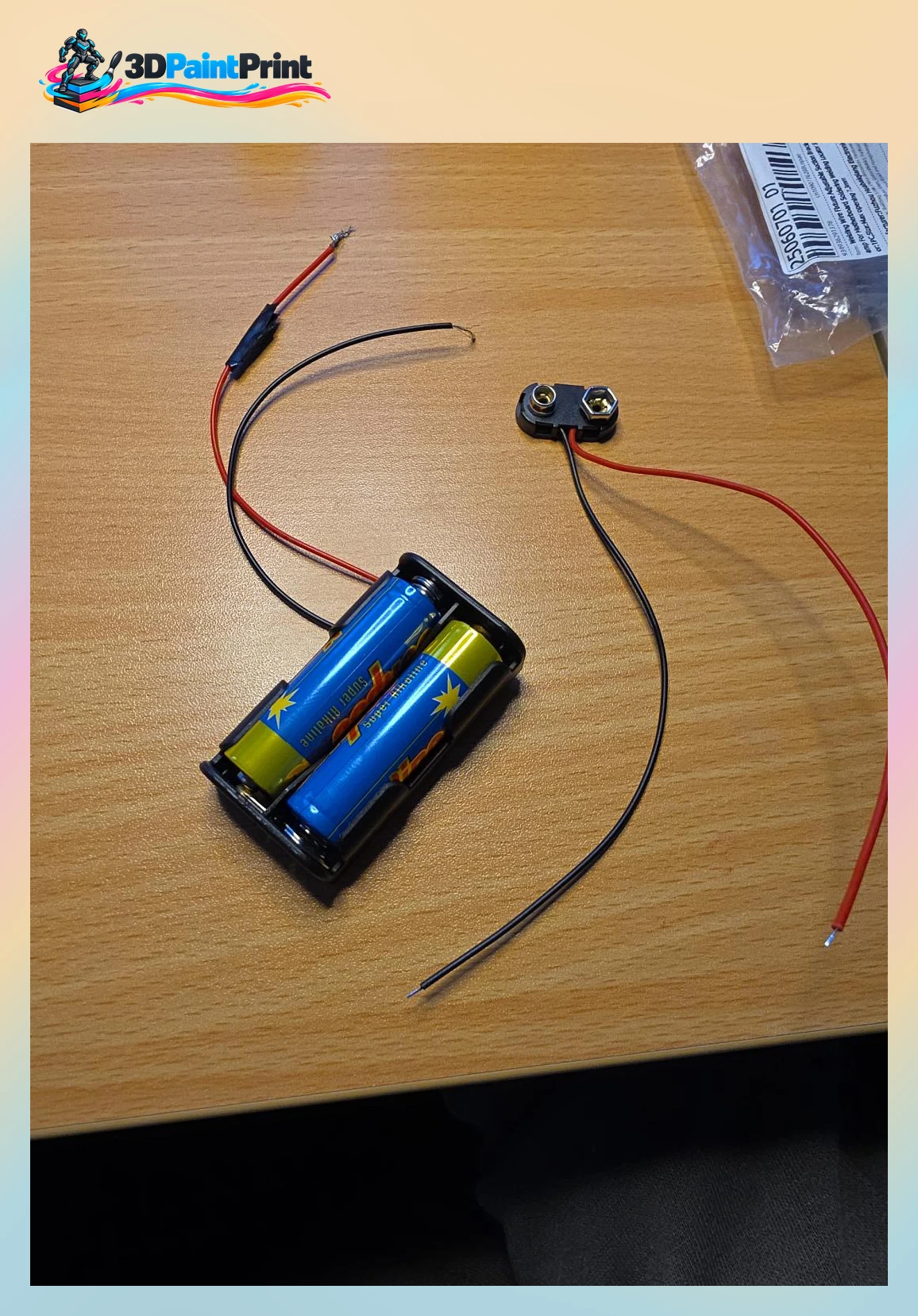
Adding LED lighting to models
A photograph of the hands-on work and details behind a studio piece.
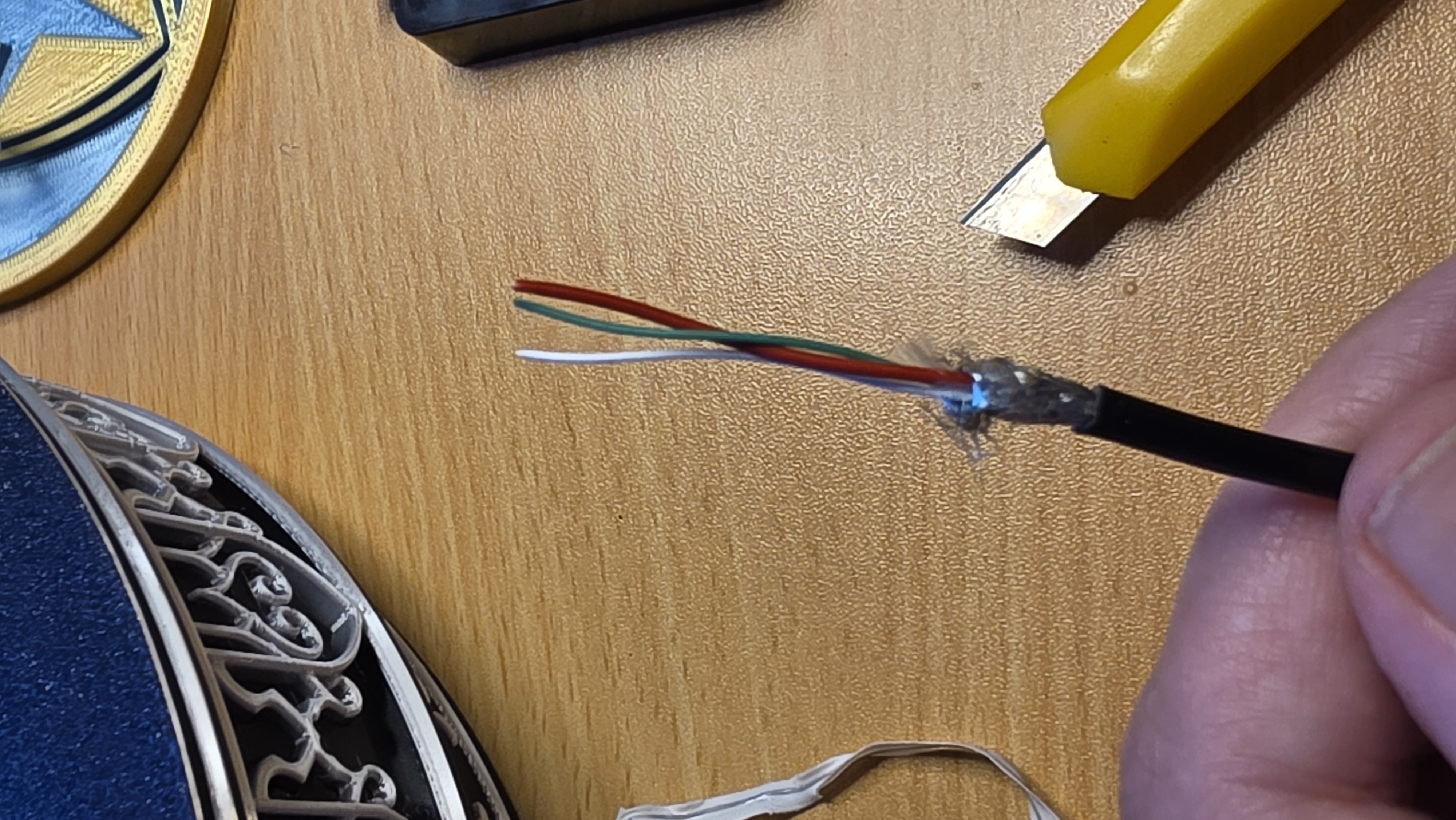
Wiring assembly close-up
A photograph of the hands-on work and details behind a studio piece.
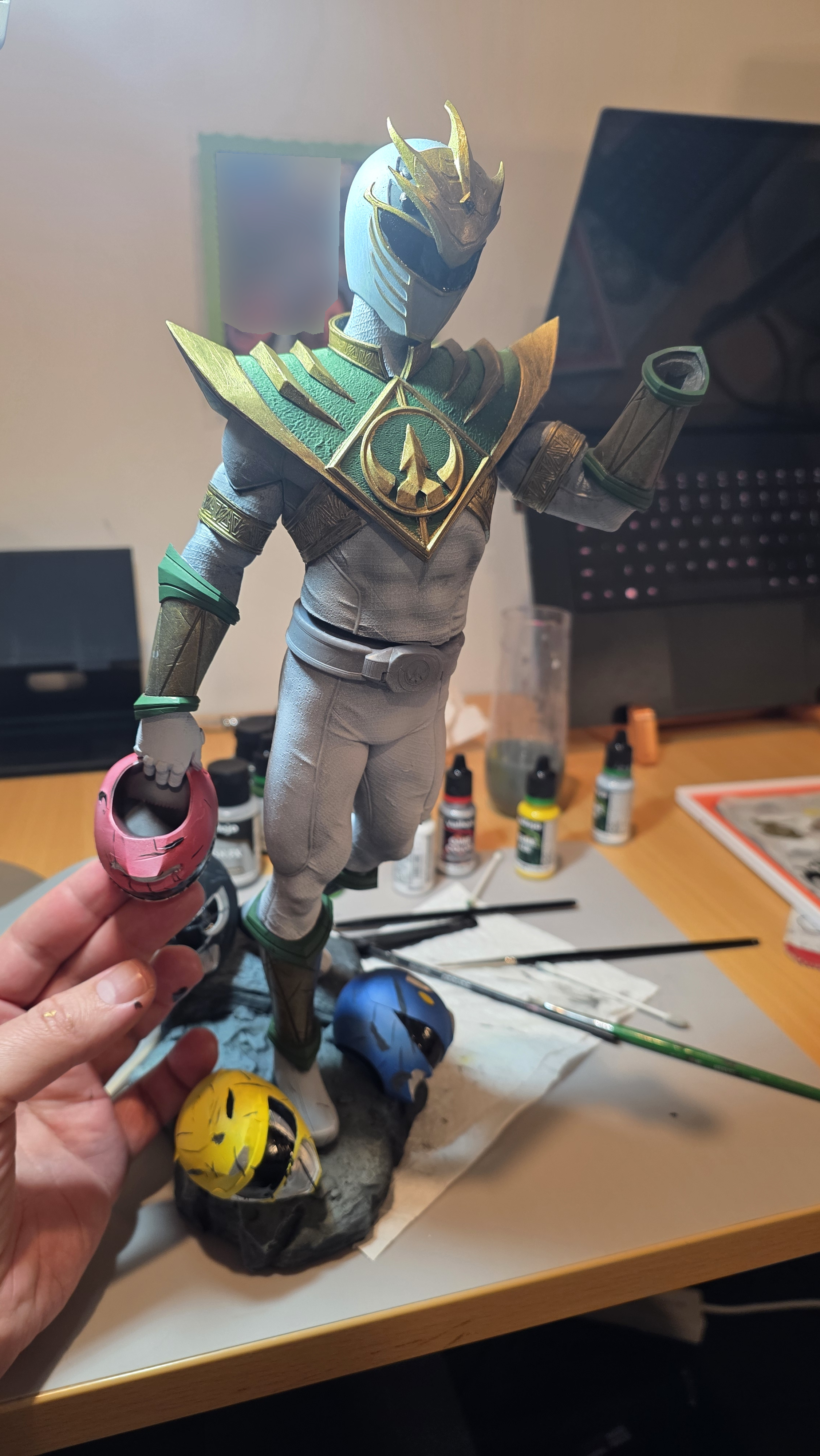
Character assembly
A photograph of the hands-on work and details behind a studio piece.
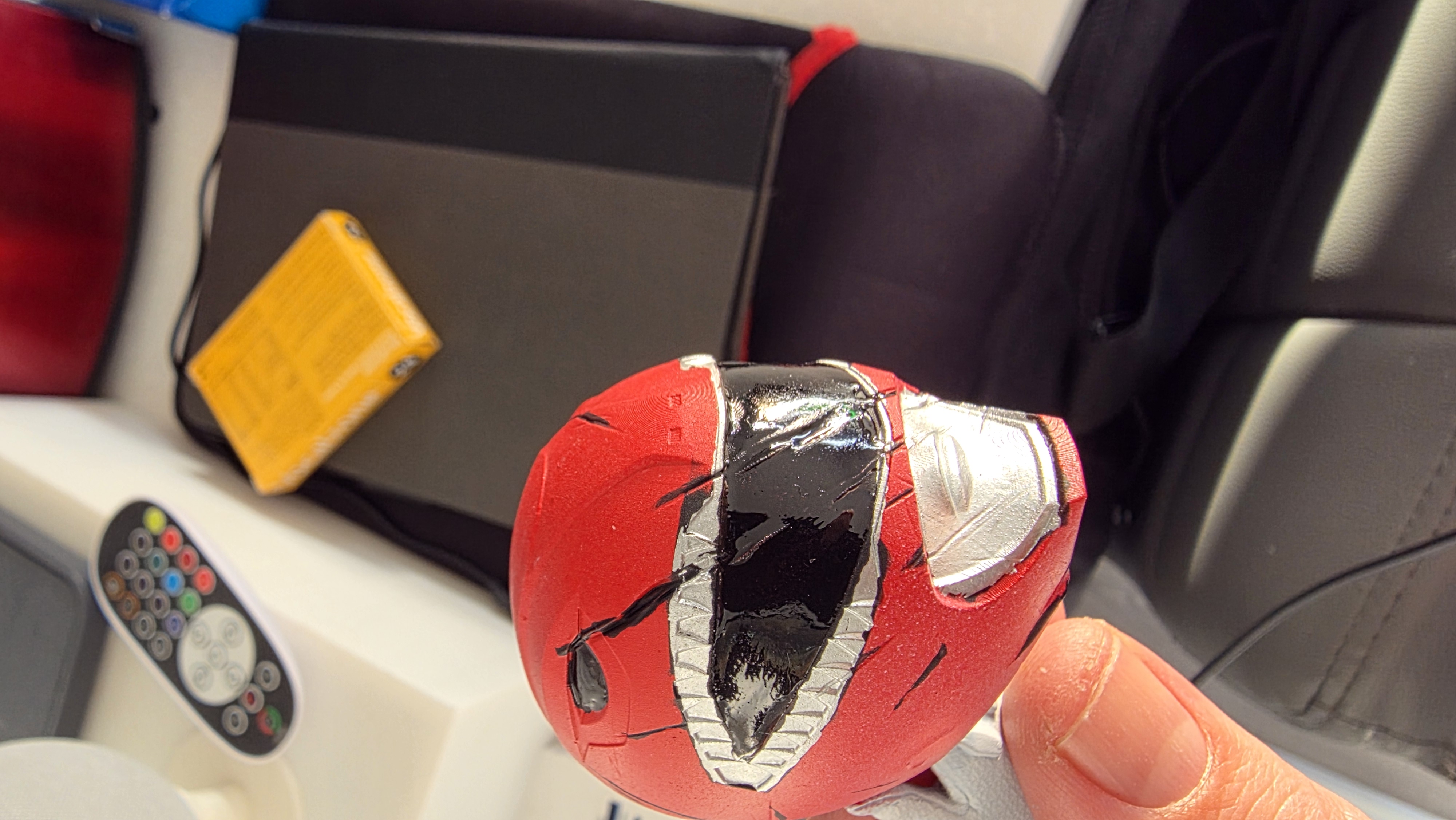
Painted helmet component detail
A photograph of the hands-on work and details behind a studio piece.
8 more in this view
From a print to a finished piece.
Resin printing involves washing and curing, with further preparation before painting. FDM builds in coloured filament, with the material and setup chosen for the model. Every project is reviewed individually.